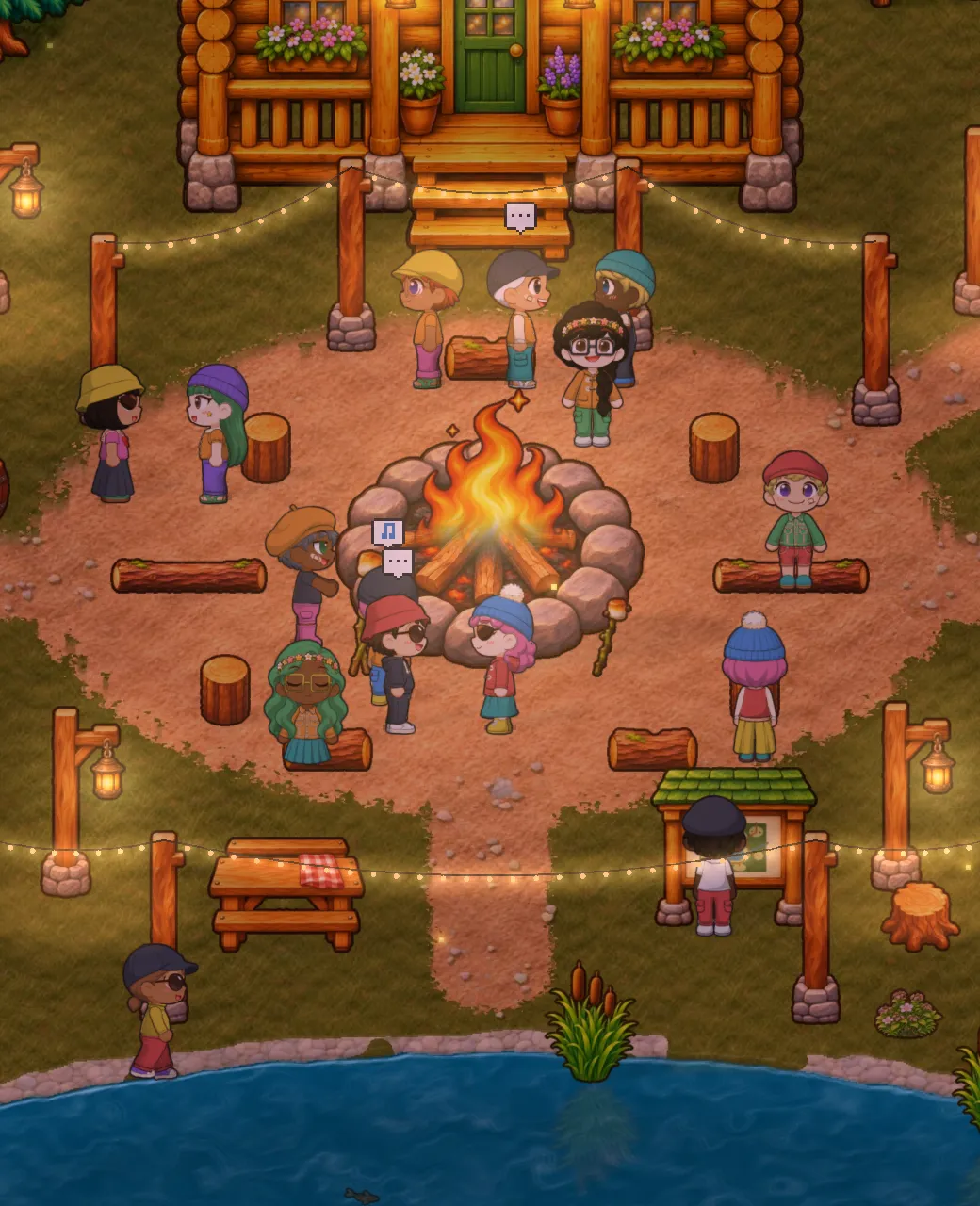
Villagers with a life of their own
They stroll between the cabins, grab a coffee, sit by the bonfire and wave at friends. Lurkers are part of the show without having to type.
Lurkhaven puts a little village at the bottom of your stream. Each viewer makes a villager who wanders, makes friends and sits by the fire, even if they never say a word.
Works as a browser source in OBS and Streamlabs. Watching a stream instead? Here's how to move in.
 @mossy_fern@quietbean@lurkingleomossy_fern: hi from the fire!

pixelpine: good morning everyone
quietbean moved into the village
mossy_fern: hi from the fire!
quietbean: !wave
lurkingleo: just lurking, carry on
Villages are invite-only while we start out. Ask for one below and we'll make a village named after your channel, starting with the lakeside campground.
Your village settings give you an overlay address for a 1920 × 1080 browser source. It's see-through around the village, so it sits over any game.
Share your village's join page. Viewers sign in with Twitch, make a villager, and from then on they live in your village, chatting or quietly lurking.
Villagers wander, work, make friends and get up to things all day, whether or not anyone is watching.
They stroll between the cabins, grab a coffee, sit by the bonfire and wave at friends. Lurkers are part of the show without having to type.
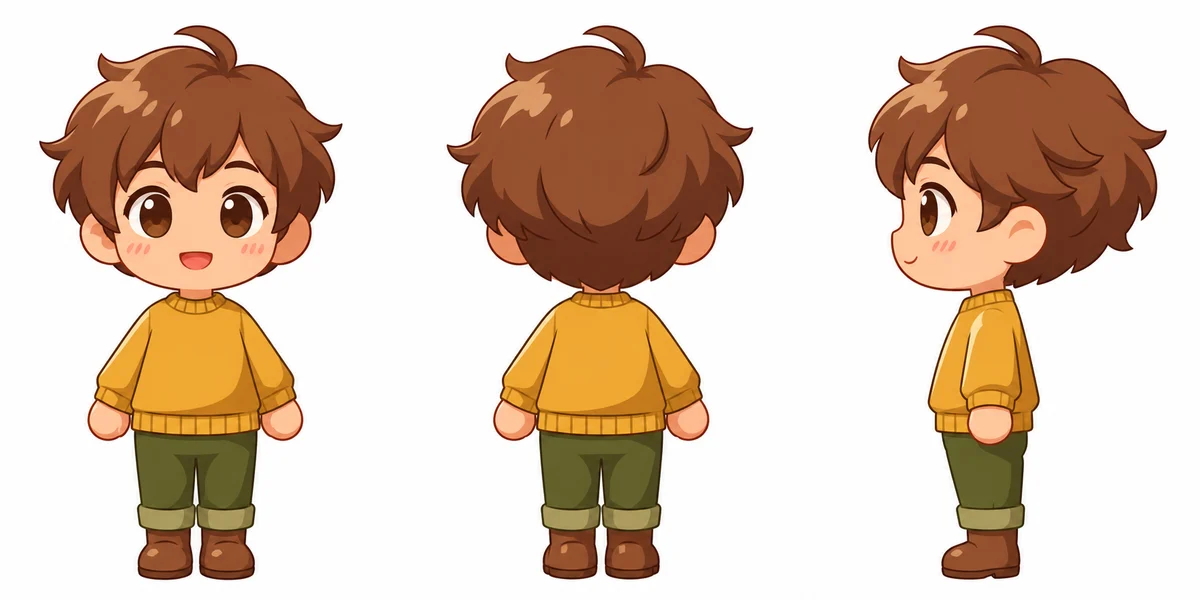
Viewers pick a face, hair, clothes, hats and glasses, so everyone can spot themselves in the crowd.
Messages pop up as bubbles over each chatter's villager, and commands like !wave, !dance and !cheer make them act.
A raid brings a crowd of visitors marching in. Subs, gift subs, bits and follows get their own little celebrations in the village.
Choose which chat commands work, block words, test your alerts before going live, and frame the overlay to fit your layout.
Open the village's join page from the stream, sign in with Twitch and make your villager. Then chat away: your messages pop up over your villager's head. No need to talk, though. Lurking counts.

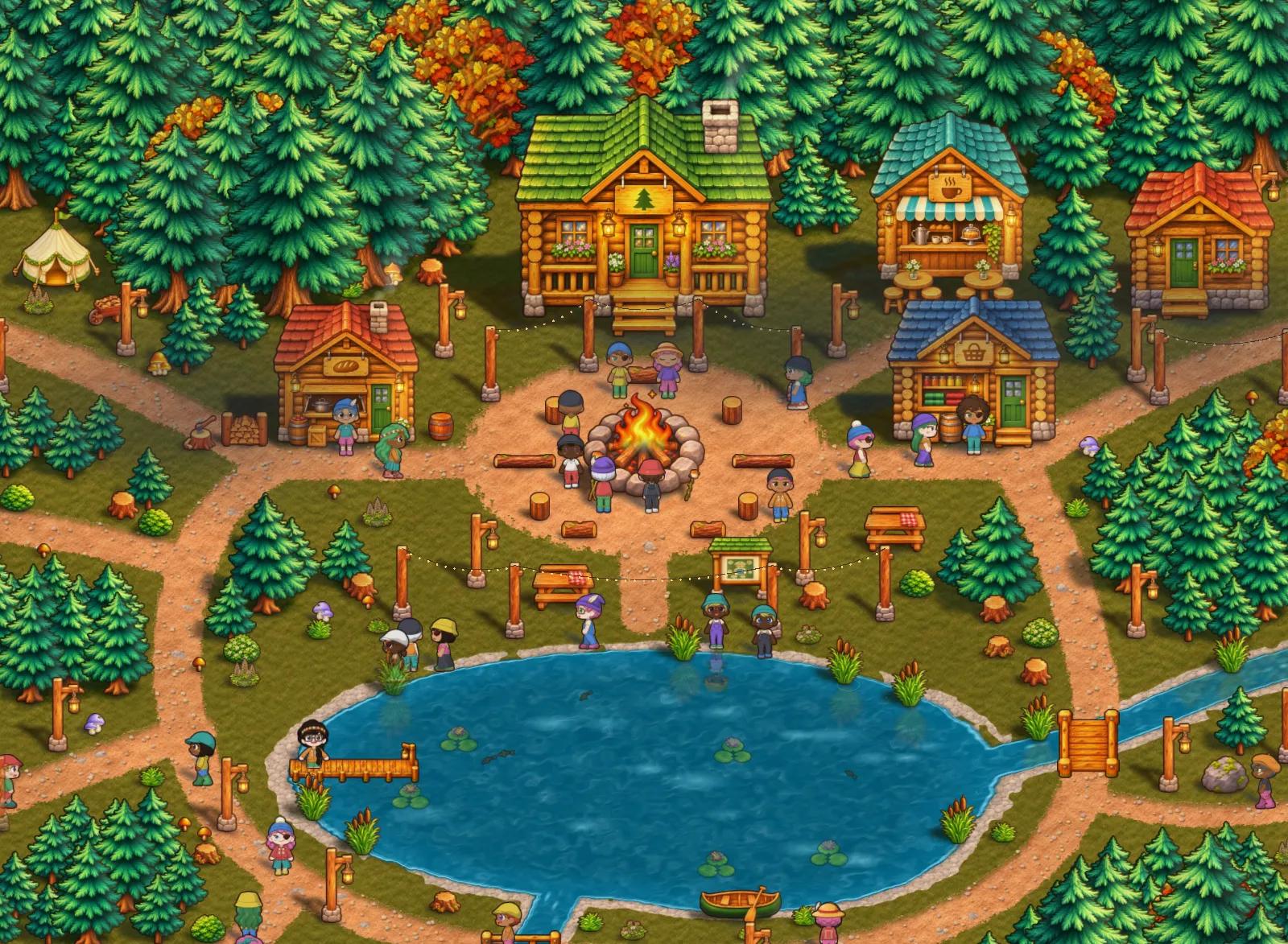
Log cabins, a café and a camp store around a big bonfire by the lake. Villagers roast marshmallows, wander the trails and gather by the fire when the stream gets lively.
Visit the villageNo. They sign in with their Twitch account on your village's join page, then pick how their villager looks.
Yes. The overlay is a browser source, so it works in any streaming app that can show a web page.
The overlay is see-through around the village, and you choose which part of the village it shows and how close it zooms in.
A banner announces the raid and the raiders walk into your village as visitors. Subs, gift subs, bits and follows get their own banners and effects too.
Villages are invite-only for now. Leave your email at the bottom of this page and we'll be in touch.
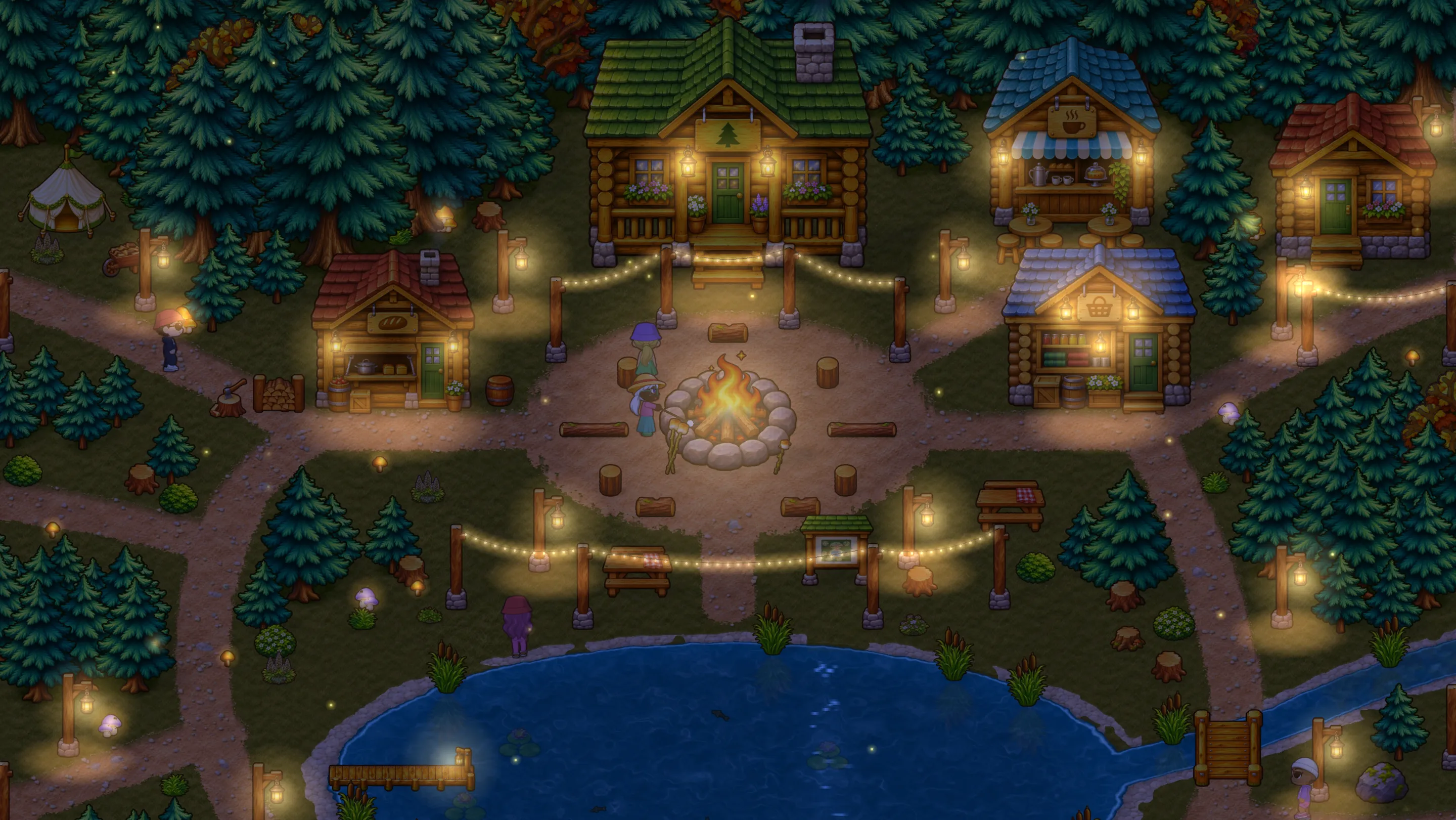
Villages are invite-only while we start out. Leave your email and Twitch channel, and we'll let you know when there's one ready for you.